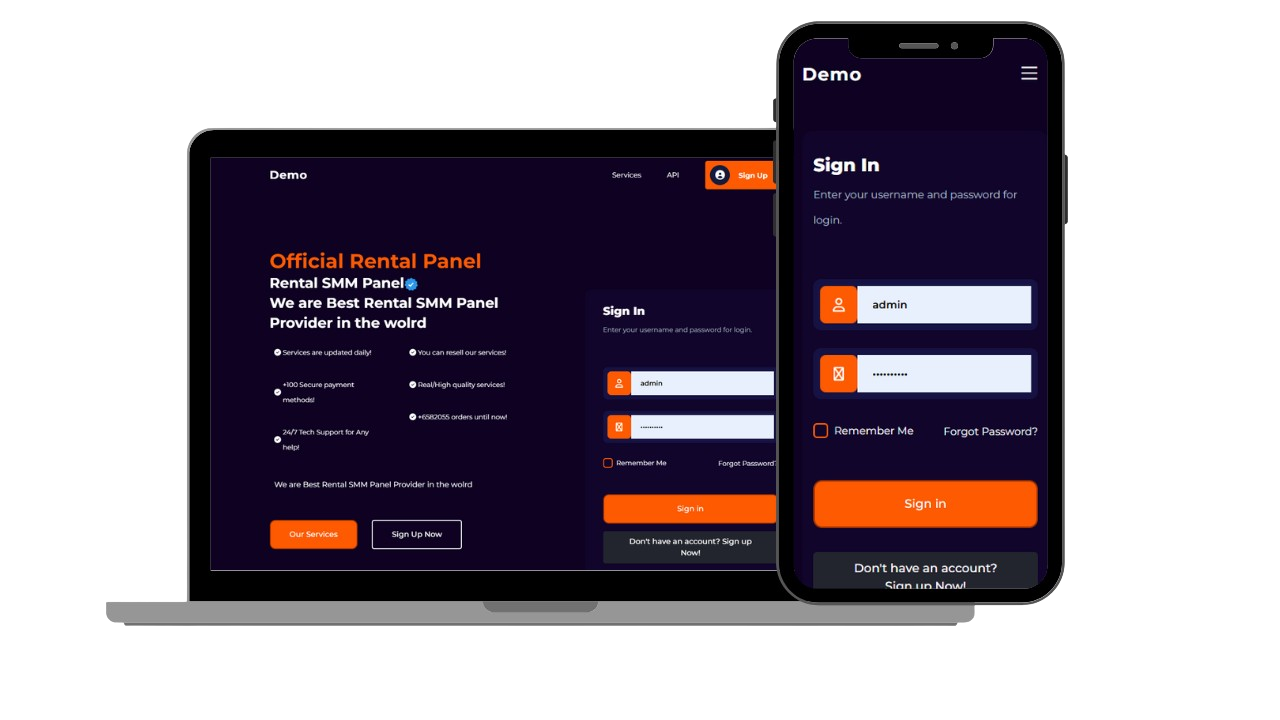
1. What is an SMM Panel? (Overview)
An SMM Panel is a web-based platform where customers can purchase services like followers, likes, views, and comments for social media platforms. Sellers can via API, import services, and then resell them to customers at a markup. The business model is simple: buy services cheap, sell them at a profit, and manage everything through the panel.
2. Advantages and Disadvantages of Free Scripts
Advantages:
- No cost — free to download and use.
- Quick setup with Already Build UI and API integrations.
- Customizable — you can edit the code and add features. like fake order or any features.
Disadvantages / Risks:
- No official support.
- Possible security issues if the code is not well-audited.
- Many duplicate copies in the market — less uniqueness.
3. Essential Features You Need
- User Management: Roles for Admin, Resellers, and Customers. Even Affiliate programs available./
- Order Management: Auto refill, refunds, Processing , inprocess and live order tracking.
- API Integration: Connect with multiple providers and auto-sync services.
- Payment Gateways: Wallet system plus gateways like PayPal, Stripe, Binance, Razorpay, and Crypto.
- Security: CSRF protection, SQL injection prevention, and secure credentials.
4. Server & Hosting Requirements
- PHP 7.4+ (latest version recommended)
- MySQL/MariaDB 5.7+
- Apache/Nginx with mod_rewrite enabled
- 1GB RAM (minimum), 2GB+ recommended for production
Shared hosting works for SMM Panels. Using cPanel or Hostinger’s hPanel makes file and database management easy.
5. Step-by-step Installation
Step A — Upload Files
Upload script.zip to your hosting (public_html folder) and extract it. You should see files like index.php.
Step B — Import Database
- Open phpMyAdmin.
- Create a new database (example:
smm_panel). - Import
database.sqlinto the database. - If errors occur, check SQL engine or charset compatibility.
Step C — Configure Settings
Edit config.php or app/config.php with your database details:
DB_HOST = 'localhost';
DB_USER = 'your_db_user';
DB_PASS = 'your_db_password';
DB_NAME = 'smm_panel';
SITE_URL = 'https://yourdomain.com';
Step D — File & Folder Permissions
Make sure upload/cache folders are writable (CHMOD 755/775). Avoid 777 for security reasons unless absolutely required.
Step E — Cron Jobs
Set up cron jobs for auto-sync or auto-refill. Example (every 5 minutes):
*/5 * * * * /usr/bin/php /home/username/public_html/cron/sync.php >/dev/null 2>&16. Common Installation Errors
- 500 Error: Check
.htaccessand ensure mod_rewrite is enabled. - Database Error: Double-check credentials and use
127.0.0.1iflocalhostfails. - Missing Extensions: Ensure
curl,mbstring,json,mysqliare installed.
7. First-Time Admin Setup
- Set site title, currency, whatsapp support and timezone.
- Enable payment gateways and wallet system according to your country wise you can add it .
- Import services via API.
- Set reseller margins and packages.
8. Customization Tips
Change logo, update theme colors, and optimize homepage content. For SEO, maintain proper meta tags, structured data, and canonical links.
9. SEO Strategy
Add long-form articles, tutorials, and FAQs. Create internal links between service pages. Use JSON-LD structured data for better indexing.
10. Legal & Ethical Considerations
Add Terms of Service and Privacy Policy. Avoid selling prohibited or illegal services to reduce compliance risks.
FAQs
Q: Can I use this script commercially?
A: Yes, if the license allows. Always check license details.
Q: Is the script mobile-friendly?
A: Most modern SMM scripts use Bootstrap and are responsive by default.
End of Article 1 — Scroll down for Article 2: Advanced Growth & Monetization.